1
Step 1
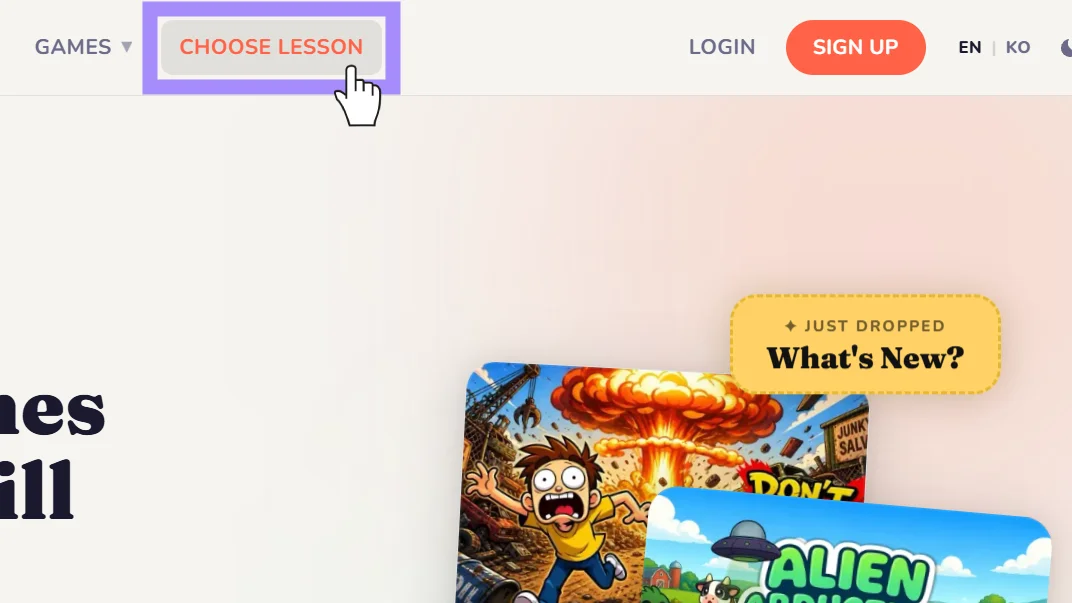
Open 'Choose lesson'
Select 'Choose lesson' by clicking the option on the navigation bar or selecting the option from the home screen.
2
Step 2
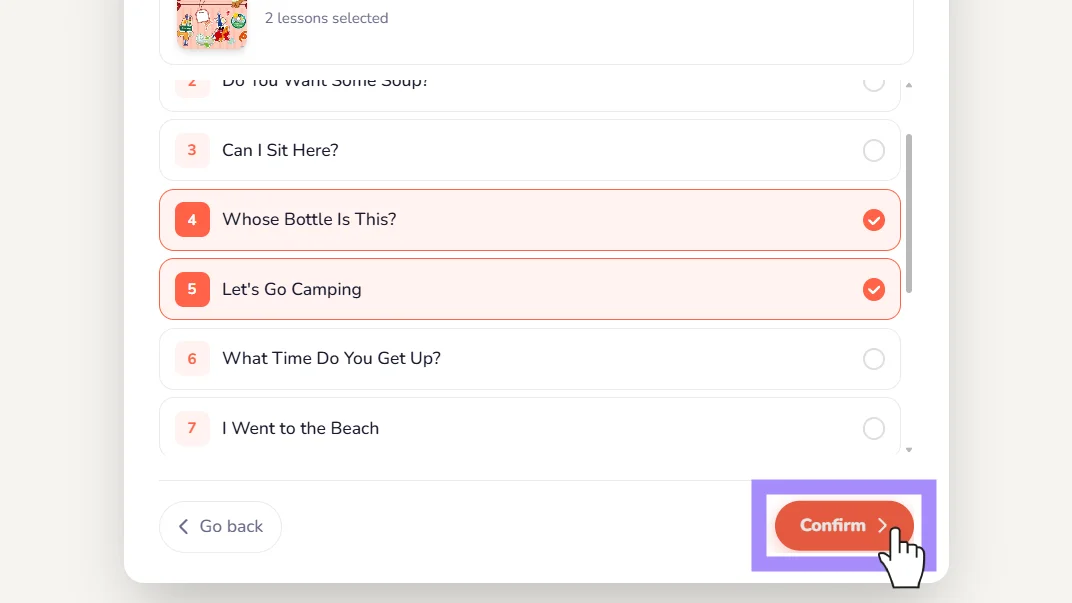
Pick your textbook and lesson
Select a school type -> grade -> textbook -> desired lesson(s) and click confirm.
3
Step 3
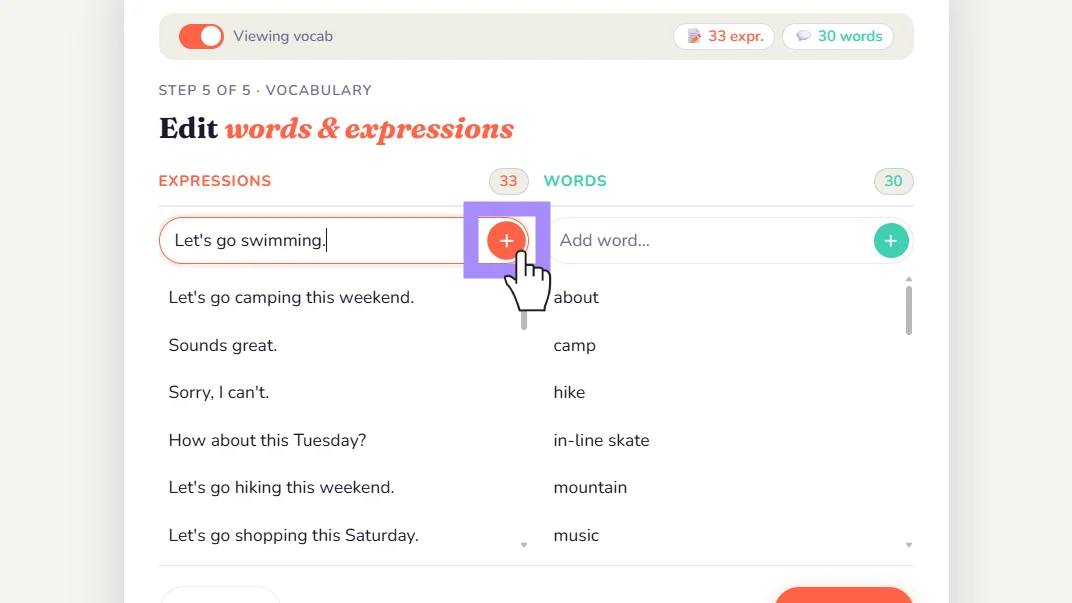
Add words and expressions
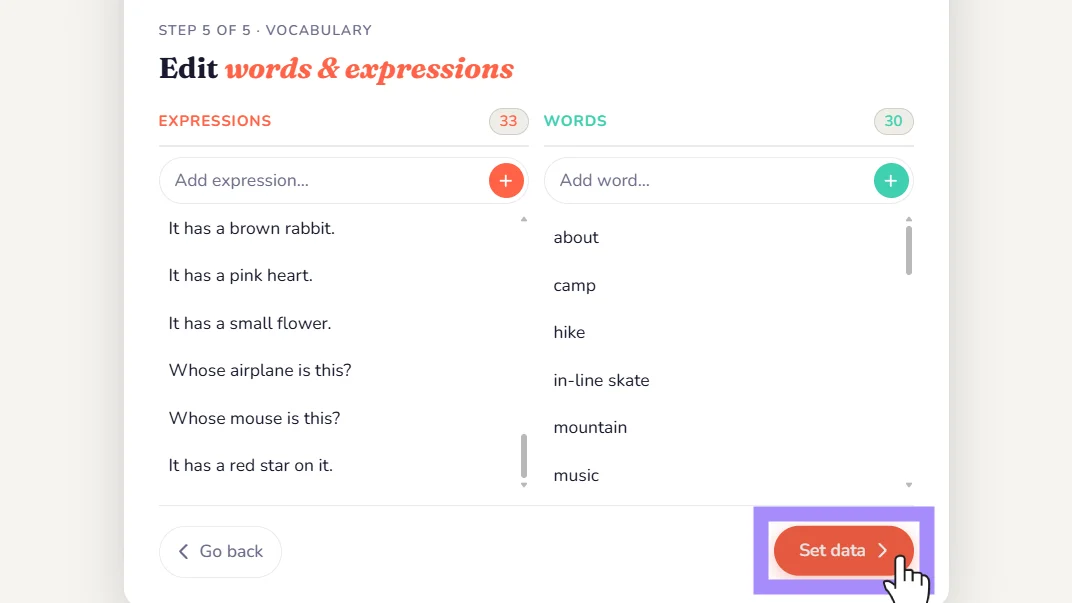
Add new expressions or words by typing them into the box and hitting enter or clicking the plus button. It's important to distinguish between words and expressions when creating our games.
4
Step 4
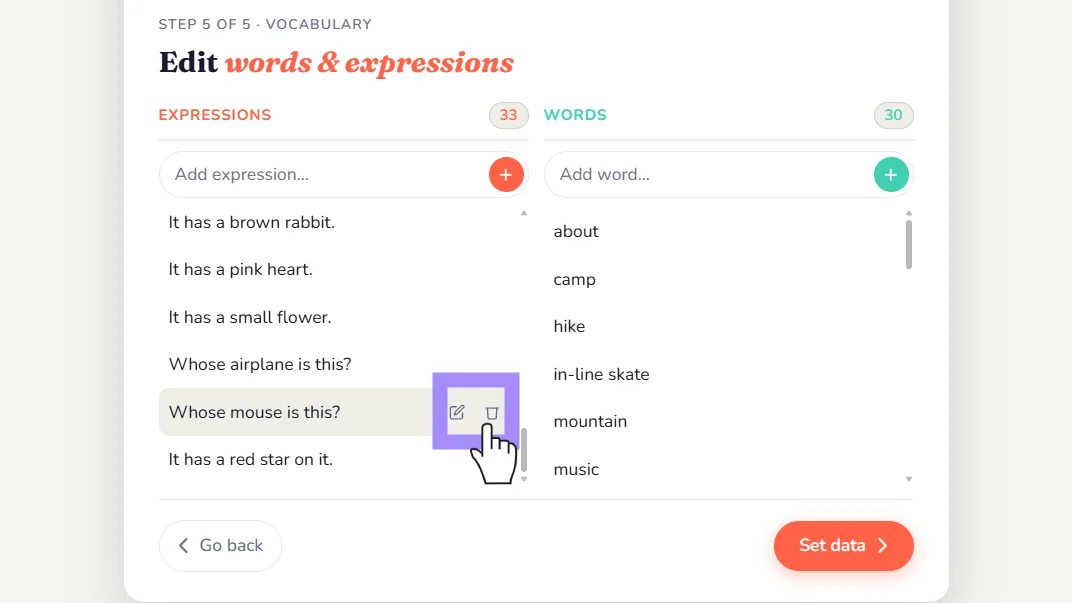
Edit or remove items
Edit or delete existing items by hovering over the item and selecting your corresponding option. If you select edit the item will appear in the box from step 3. Don't forget to hit enter!
5
Step 5
Set your data
Click 'Set data' and you're all set to begin crafting some awesome games!
💬
Still need help?
Can't find what you're looking for? Our support team is happy to help you directly.